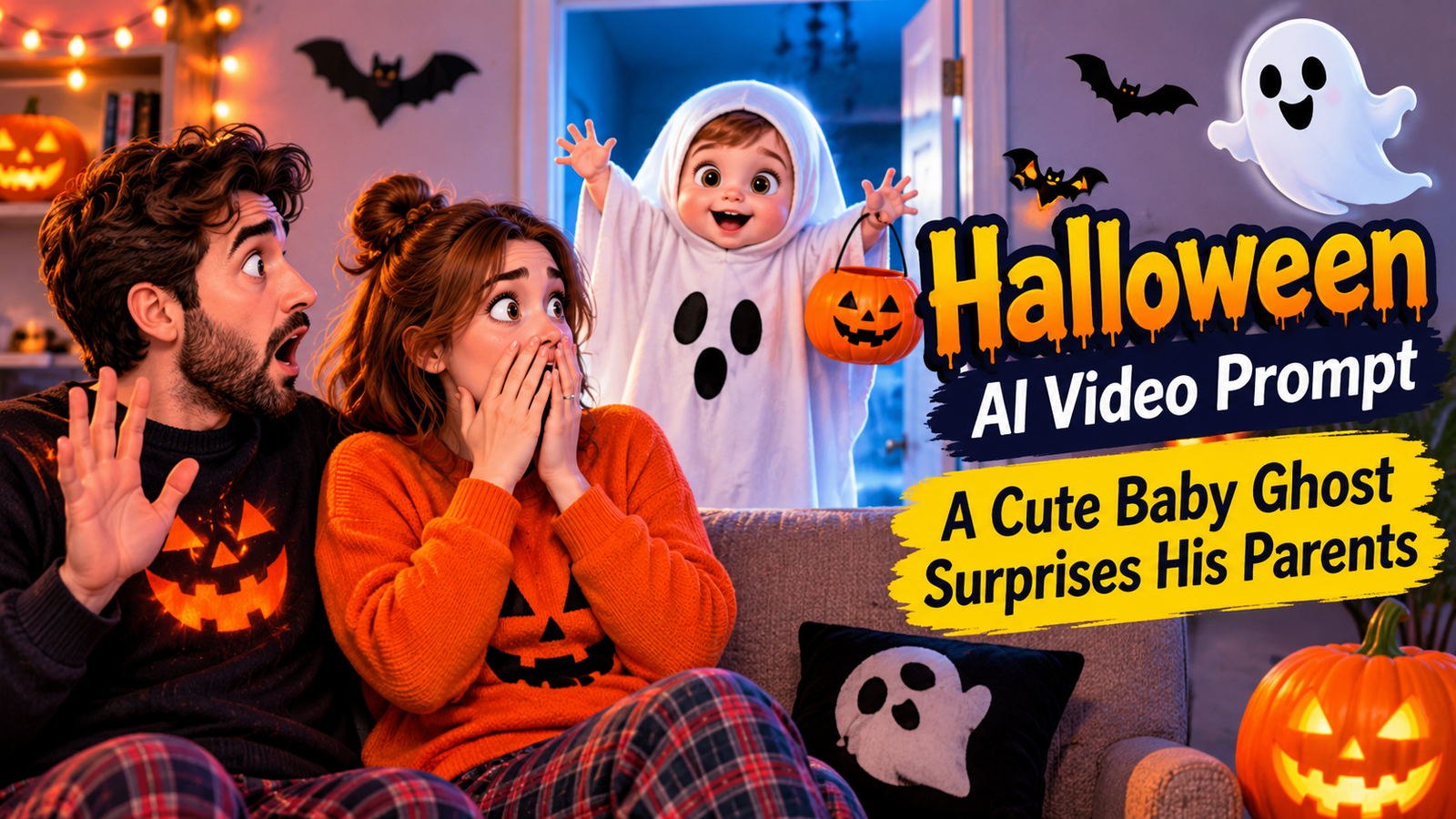
Halloween is a fun time for costumes, pumpkins, and funny surprises. One of the cutest ideas for an AI-generated Halloween video is a little baby dressed as a tiny ghost who surprises his parents.
In this video, a toddler wears a white bedsheet ghost costume and secretly walks toward his parents. When the father sees the little ghost, he gets very scared and jumps back. The mother is also surprised, but soon they discover that the ghost is actually their own child.
This Halloween AI video prompt is perfect for creating a funny and adorable 3D animated family video. You can use it with an AI video generator to create your own Halloween short film.
What Makes This Halloween Video Special?
The best part of this idea is the funny reaction of the parents. The little child looks like a tiny ghost, but he is only playing a Halloween trick.
Here are some details that make this video interesting:
- A cute toddler wearing a white ghost costume.
- A cozy living room decorated for Halloween.
- Glowing orange pumpkins and carved jack-o’-lanterns.
- A funny and unexpected reaction from the father.
- A surprised mother who discovers the little ghost.
- A sweet family hug at the end.
The video has a spooky Halloween look, but the story is funny, cute, and family-friendly.
Main Characters and Video Style
Before generating the video, keep the characters consistent in both scenes.
Baby: A cute little toddler wearing a white bedsheet ghost costume with two small eye holes.
Father: A loving father sitting comfortably on a sofa. He gets scared when he sees the little ghost.
Mother: A caring mother sitting beside the father. She is surprised by the ghost but later laughs with the family.
Location: A cozy living room decorated with Halloween pumpkins, fake spider webs, hanging bats, and flickering candles.
Video Style: High-quality 3D animation, expressive faces, cinematic camera movements, realistic bedsheet movement, and warm orange and purple lighting.
Image Prompts for Halloween AI Video
You can create images for each scene before generating the video. These images can help you maintain the same characters and room design.
Image Prompt 1: Baby Ghost Surprises Parents
A cute little toddler wearing a white bedsheet ghost costume with two small eye holes, secretly standing in front of his parents sitting on a comfortable sofa. The father looks extremely shocked with raised hands and a funny scared expression. The mother looks surprised. Cozy Halloween living room with glowing orange pumpkins, carved jack-o’-lanterns, fake spider webs, hanging bats, and flickering candles. Beautiful 3D animated family movie style, expressive faces, cinematic lighting, purple and orange colors, detailed environment, vertical 9:16.
Image Prompt 2: Parents Discover Their Baby
A cute toddler standing between his laughing parents after they remove his white ghost bedsheet costume. The mother and father lovingly hug their adorable child on a sofa. Glowing Halloween pumpkins illuminate the cozy living room. Beautiful 3D animated family movie style, happy expressions, warm orange and purple lighting, detailed Halloween decorations, cinematic composition, vertical 9:16.
How to Generate This Halloween AI Video
Follow these simple steps:
- Choose an AI video generator that supports text-to-video.
- Select a vertical 9:16 video format.
- Copy the first video prompt below and generate Scene 1.
- Use the final frame of Scene 1 as a reference for Scene 2, if your generator supports reference images.
- Generate Scene 2 using the second prompt.
- Join both clips in a video editing app.
- Add soft Halloween music and funny sound effects.
Your final video will be around 20 seconds long.
Why Use Two Scenes?
Generating a long video in one attempt can sometimes change the characters or create unwanted movements.
Using two separate scenes makes it easier to control the story. The first scene shows the ghost surprise, while the second scene shows the funny reveal and family hug.
Create More AI Video Prompts with Meratool
Want to create your own video prompts from existing videos? Try our Video to Prompt Tool.
It can help you turn video ideas into written prompts that you can use for your next AI video project.
Final Thoughts
This little ghost Halloween idea is a simple way to create a funny and adorable AI-generated video. The surprised father, the cute baby, and the happy family ending make the story enjoyable.
Try the prompts, keep the characters consistent, and create your own Halloween animation.
You can also change the decorations, costumes, and room design to make your next Halloween video more creative.
My Result
Leave a Reply