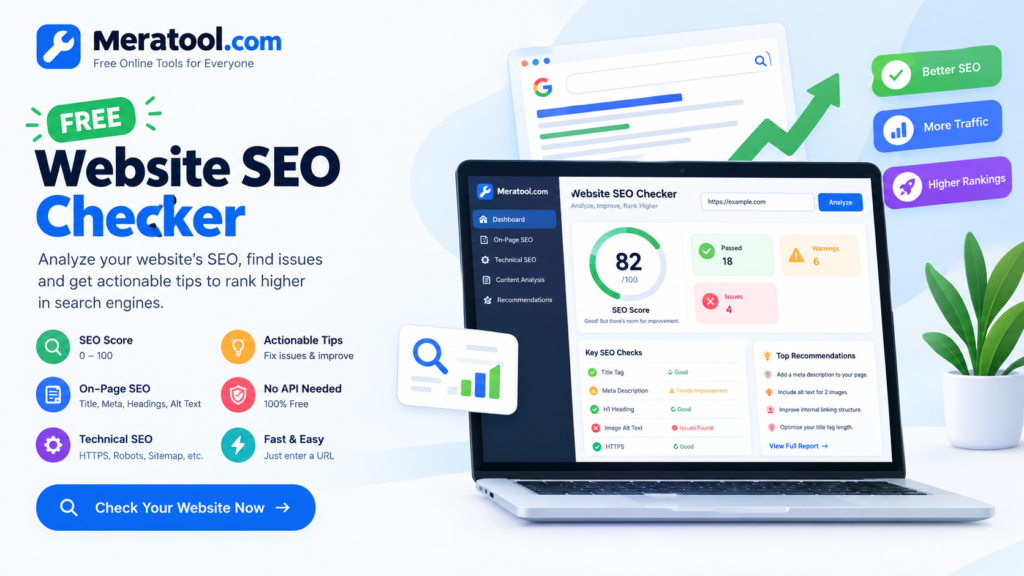
Website SEO Checker
Find SEO issues, understand your score, and get actionable recommendations.
Free Website SEO Checker: Analyze Your Website SEO in Seconds
Want to improve your website’s visibility in search engines? A free website SEO checker can help you identify common SEO problems, understand what needs improvement, and make your website more search-engine-friendly.
Meratool’s Free Website SEO Checker helps website owners, bloggers, marketers, and beginners review important on-page and technical SEO elements without paying for an expensive SEO subscription.
Whether you manage a personal blog, a business website, or an online project, checking your website regularly is a useful step toward improving its search performance.
What Is a Website SEO Checker?
A website SEO checker is a tool that analyzes selected elements of a webpage to identify potential search engine optimization issues.
These checks may include page titles, meta descriptions, headings, image alternative text, canonical URLs, HTTPS, mobile viewport settings, and other technical signals.
The results help you understand which elements appear correctly configured and which may need attention.
Try the tool: Visit Meratool.com and open the Free Website SEO Checker.
Key Features of Meratool’s Free SEO Checker
1. SEO Score
The tool provides an overall SEO score based on the checks it performs. This score offers a quick overview of the elements that may need improvement.
Remember that an SEO score is an estimate based on the tool’s own checklist, not an official Google ranking score.
2. Title Tag Analysis
Your title tag helps search engines and users understand what a page is about. The checker can identify common title-related issues, such as a missing or potentially unsuitable title.
Write a unique, descriptive title that accurately reflects the page’s content.
3. Meta Description Check
A meta description summarizes a page for potential visitors. A useful description should explain what readers can expect and give them a reason to visit.
Keep it relevant, readable, and specific to the page rather than repeating keywords unnecessarily.
4. Heading Structure
Headings help organize content into clear sections.
The checker reviews selected heading elements, including H1 and H2 tags, to help identify potential structural issues.
Use a clear main heading and logical subheadings to make your content easier to understand.
5. Image Alt Text
Alternative text helps describe images to users who rely on screen readers and can provide useful context about image content.
Review images that are missing alt text and add accurate descriptions where appropriate. Decorative images may not require descriptive alt text.
6. Technical SEO Checks
Depending on the page and server response, the tool can check selected technical elements, including HTTPS, canonical tags, robots directives, mobile viewport settings, and related SEO signals.
It can also inspect basic indicators related to robots.txt and sitemap availability.
7. Actionable Recommendations
The report organizes detected issues and warnings so you can prioritize improvements.
Fix important problems first, then review smaller improvements. Not every warning represents a ranking problem, so consider the context of each recommendation.
How to Use the Free Website SEO Checker
Follow these simple steps to analyze a website.
Step 1: Open the SEO Checker
Visit Meratool.com and open the Free Website SEO Checker page.
Step 2: Enter a Website URL
Copy the complete public URL of the webpage you want to analyze. For example, enter https://example.com/.
Step 3: Start the SEO Analysis
Click the scan or analyze button and wait for the tool to finish checking the available page elements.
Step 4: Review Your SEO Score
Look at the overall score and the number of checks that passed, produced warnings, or identified potential issues.
Step 5: Read the Recommendations
Review each finding and understand why the element may need attention.
Step 6: Improve Your Website
Update your page title, meta description, headings, image alt text, or other elements as appropriate. If you manage the website through WordPress, make the changes in your page editor or SEO plugin.
Step 7: Run Another Check
Scan the page again after making changes to see whether the relevant checks now pass.
Why Is Website SEO Important?
Search engine optimization helps search engines understand your content and helps users discover relevant information.
Good SEO practices include:
- Creating helpful, original content that satisfies search intent.
- Writing descriptive and unique page titles.
- Using clear headings and logical content structure.
- Making pages mobile-friendly and easy to navigate.
- Improving page loading performance and user experience.
- Using descriptive internal links.
- Fixing crawlability and indexing problems where appropriate.
- Keeping important pages accessible through a logical site structure.
No SEO checker can guarantee higher rankings. Search performance depends on many factors, including content quality, competition, crawling, indexing, links, and Google’s ranking systems.
Who Can Use This SEO Checker?
Meratool’s free SEO checker is useful for:
- Bloggers who want to review articles before publishing.
- Website owners who need a basic SEO audit.
- Small businesses checking important landing pages.
- WordPress users reviewing on-page SEO.
- Freelancers conducting preliminary website reviews.
- Beginners learning about common SEO issues.
The tool provides a starting point for analysis. Advanced performance measurements, search volume data, backlink analysis, and detailed ranking information may require separate tools or data sources.
Free Website SEO Checker vs. Manual SEO Audits
A free SEO checker can quickly identify common technical and on-page issues. A manual audit provides more context and can investigate deeper problems involving website architecture, search intent, content quality, indexing, and performance.
For the best results, use automated checks as a starting point and investigate important findings before making significant changes.
Start Checking Your Website SEO for Free
You do not need to purchase an expensive subscription just to begin reviewing basic SEO elements.
Use Meratool’s Free Website SEO Checker to inspect supported page elements, identify potential issues, and get practical ideas for improving your website.
Ready to get started? Visit Meratool.com and find the Free Website SEO Checker to begin your analysis.
Frequently Asked Questions (FAQs)
1. Is Meratool’s Website SEO Checker free?
The tool is designed to provide basic website SEO analysis without requiring a paid API subscription for its core checks. Additional services, if introduced, may have separate limitations.
2. How do I check my website SEO for free?
Open Meratool’s Free Website SEO Checker, enter the public webpage URL, start the scan, and review the score, findings, and recommendations.
3. What does an SEO score mean?
An SEO score summarizes how a page performs against the checks included in the tool. It is an estimate, not an official Google score or a guarantee of search rankings.
4. Can this tool improve my Google rankings?
The checker can help you identify potential issues, but it cannot directly improve rankings by itself. You must review the findings, make appropriate changes, and consider other ranking factors.
5. Does the SEO checker require an API key?
The core analysis is designed to run without a paid third-party API. Some advanced features, such as external performance data, may require additional services.
6. Can I check a competitor’s website?
You may be able to analyze publicly accessible webpages that the tool can fetch. The results are limited to information available from the scanned page and do not reveal private analytics or search performance data.
7. Does the tool check meta descriptions and title tags?
Yes. These are among the on-page elements the tool is designed to review, including whether important elements are present and whether they may need improvement.
8. Can I use this SEO checker on WordPress websites?
Yes. You can use it to check publicly accessible WordPress pages, provided the target website allows the scan request.
9. Does a higher SEO score guarantee better rankings?
No. Search engines use many signals to rank pages. A higher score only means that more of the checks included in the tool have passed.
10. How often should I check my website SEO?
Check important pages after major content or technical changes and review your website periodically. The ideal frequency depends on how often your website changes.
Final Thoughts
Regular SEO reviews can help you maintain a well-structured, accessible, and search-friendly website. Start with the most important issues, improve your content and technical setup, and measure your results over time.
Use Meratool’s Free Website SEO Checker as a practical starting point for your website optimization process.