Remove an image background in your browser. The AI model is downloaded from a third-party CDN on first use; model availability and device performance may vary.
AI Background Remover
Remove an image background in your browser. The AI model is downloaded from a third-party CDN on first use; model availability and device performance may vary.
PNG, JPEG or WebP. For best performance, start with an image under 10 MB.
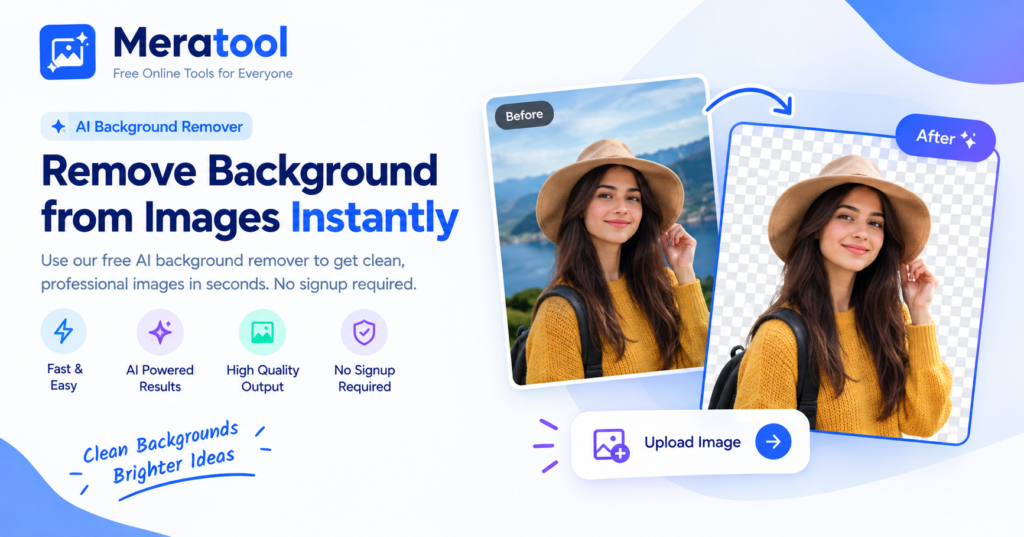
Original
Transparent result
How it works
Upload an image
Choose a photo of a person, product or object.
Detect the subject
The AI separates the subject from the background.
Download the cut-out
Save the result as a transparent PNG.
What you can do
- Transparent PNG output
- Product and portrait photos
- Clean edges around hair and fine detail
- Ready for design tools and online stores
Frequently Asked Questions (FAQs)
1. What is an AI Background Remover?
An AI Background Remover is an online tool that uses artificial intelligence to automatically detect and remove the background from an image while keeping the main subject intact.
2. How do I remove a background from an image?
Upload your image to Meratool’s AI Background Remover, let the AI process it, and download your image with the background removed.
3. Is Meratool’s AI Background Remover free?
Meratool provides an easy way to remove image backgrounds online. Please check the tool page for current usage limits and any applicable restrictions.
4. Which image formats are supported?
Supported image formats depend on the tool’s current upload and download options. Check the interface before uploading your image.
5. Can I remove the background from a photo automatically?
Yes, an AI-powered background remover can automatically identify the main subject and separate it from the background, reducing the need for manual editing.
6. Can I remove the background from a product photo?
Yes, background removal is useful for product photography, online stores, catalogs, and marketing images where a clean background is needed.
7. Does the AI Background Remover work with portraits?
Yes, AI background removal can be used for portraits, profile pictures, and other photos featuring people. Results may vary depending on hair details, lighting, and image quality.
8. Can I make an image background transparent?
If the tool supports transparent PNG downloads, you can save your image without a background and use it in designs, presentations, or product listings.
9. Can I use the background remover on my mobile phone?
You can use a browser-based background remover on a mobile phone if the website and tool support your device and browser.
10. Will removing the background reduce image quality?
Background removal does not necessarily reduce image quality, but the final result depends on the original image, AI processing, and available download settings.
11. What types of images work best with an AI Background Remover?
Images with clear subjects, good lighting, and strong contrast between the subject and background generally produce better results.
12. Is my uploaded image safe?
Before uploading sensitive or private images, review the website’s privacy policy to understand how images are processed, stored, and handled.
13. Can I use background-removed images for e-commerce?
Yes, images with removed backgrounds can help create clean product listings for online stores, marketplaces, and promotional materials. Make sure your final images meet the marketplace’s requirements.
14. Do I need to install software to remove an image background?
A browser-based AI Background Remover typically works online, so